



Samsung Galaxy A30s
Samsung Galaxy A30s features a 6.4 inches HD+ AMOLED display with a 60Hz refresh rate and is powered by the Exynos 7904 processor. It includes a 25MP primary camera, an 8MP ultra-wide camera, and a 16MP front camera. It also has a 4000mAh battery, 15W charging, and runs One UI based on Android 9. The Samsung Galaxy A30s price in India is ₹NaN.
Launched on: 11 Sep 2019
₹1,901 higher than launch price


This phone's software support window has officially closed. It's still usable, but don't expect fresh updates or features
Samsung Galaxy A30s Price in India
The Samsung Galaxy A30s was last priced at ₹18,900 and will soon be available at various online stores across India

₹17,955 with Flipkart Axis Bank Credit Card
| Partner | Offer Applicable for | Offer Value | Final Value |
|---|---|---|---|
| Flipkart Axis Bank | Credit Card | ₹945 cashback | ₹17,955 |
| Flipkart SBI | Credit Card | ₹945 cashback | ₹17,955 |
| Flipkart Axis Bank | Debit Card | ₹750 cashback | ₹18,150 |

Samsung Galaxy A30s Benchmarks
System Performance
- CPU Single-Core362
- CPU Multi-Core983
- CPU1,09,455
- GPU14,410
- Memory70,804
- UX63,498
Samsung Galaxy A30s Alternative Comparisons


Ask Beebom
No questions yet
Be the first to reach out to the Beebom's team for your inquiries!



Samsung Galaxy A30s Timeline
Samsung Galaxy A30s has been launched in India at a starting price of ₹16,999, featuring a 6.4-inch HD+ display, a 4,000mAh battery, and the Samsung Exynos 7904 processor. It is available for purchase starting the same day.
Samsung Galaxy A30s Full Specifications
General
- Box ContentsPhone, 15W Charger, Type-C Cable, SIM Ejector Tool
- AvailabilitySeptember 11, 2019
- Launch Price₹16,999
Display
Body
- Dimensions158.5 x 74.7 x 7.8 mm
- Weight169 grams
- FrontGlass
- BackPlastic
- SidePlastic Frame
- PortsUSB Type-C 2.0, 3.5mm Headphone Jack, OTG
- SpeakerMono Speaker
Processor
- GPUMali-G71 MP2
Operating System
- Operating SystemAndroid 9, One UI
- Software Updates2 year(s) of Software updates and 3 year(s) of Security updates
Main Camera
Selfie Camera
Battery
Memory
- Card SlotmicroSDXC (dedicated slot)
Network
- SIMDual SIM (nano-SIM, dual stand-by)
- TechnologyGSM, HSPA, LTE
- 2G Bands1800, 1900, 850, 900 (4 bands)
- 3G Bands850, 900, 1700(AWS), 1900, 2100 (5 bands)
- 4G Bands1, 2, 3, 4, 5, 7, 8, 12, 13, 17, 20, 28, 38, 40, 41, 66 (16 bands)
- SpeedHSPA, LTE
Connectivity
- PositioningBDS, GPS
- NFCSupported
- RadioFM Radio
Features
- Fingerprint ScannerOptical (under display)
Tech News
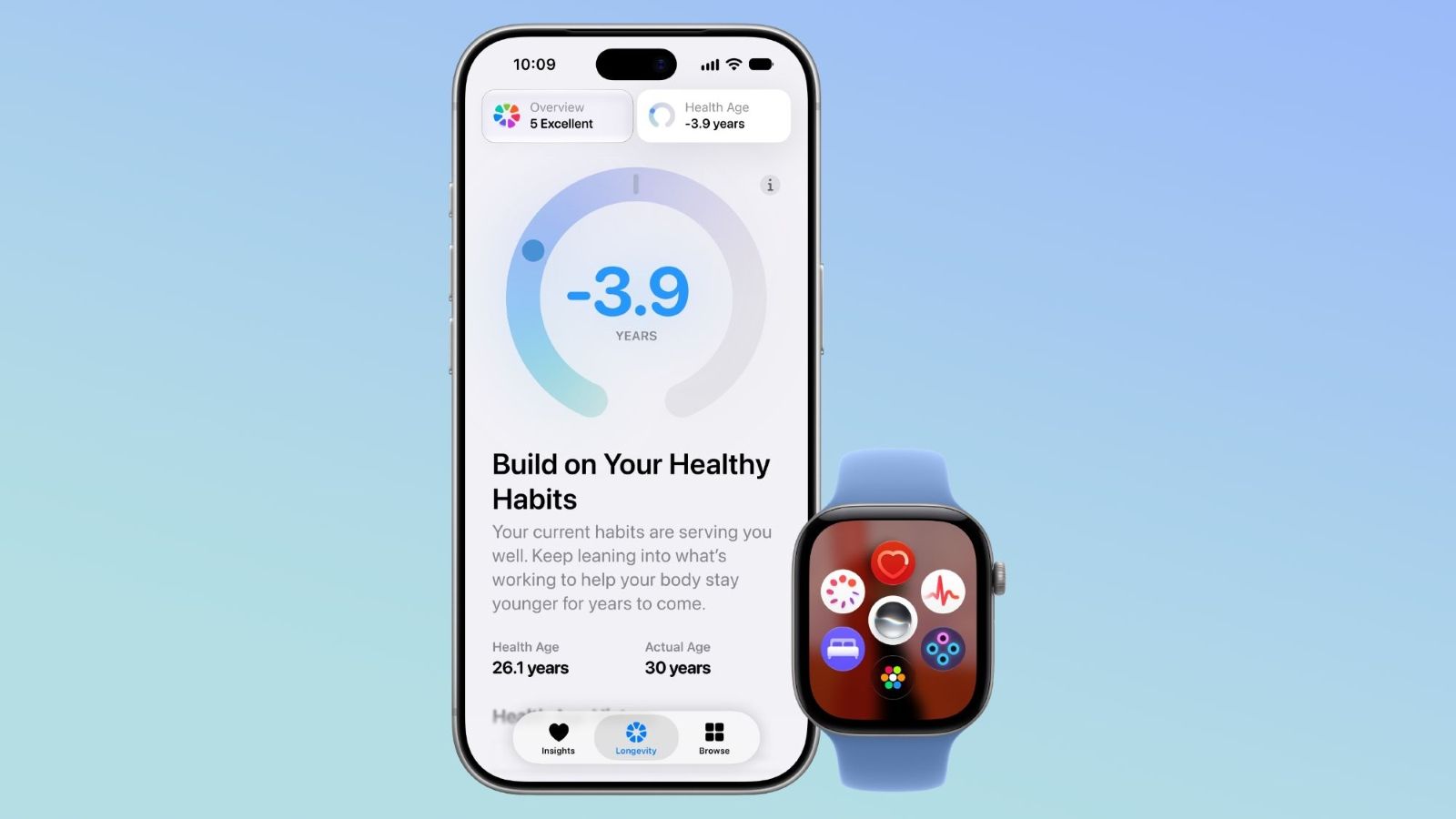 iOS 27.3 Public Beta 1 Is Out With the Redesigned Health App
Apple has released the first iOS 27.3 public beta, two days after the first developer beta. It brings the redesigned Health app, with a new Insights tab and a Health Age feature. Other features include Safari vertical tabs, new Siri AI actions and customisable StandBy clock faces.
By Siddhartha SamaddarNov 06, '26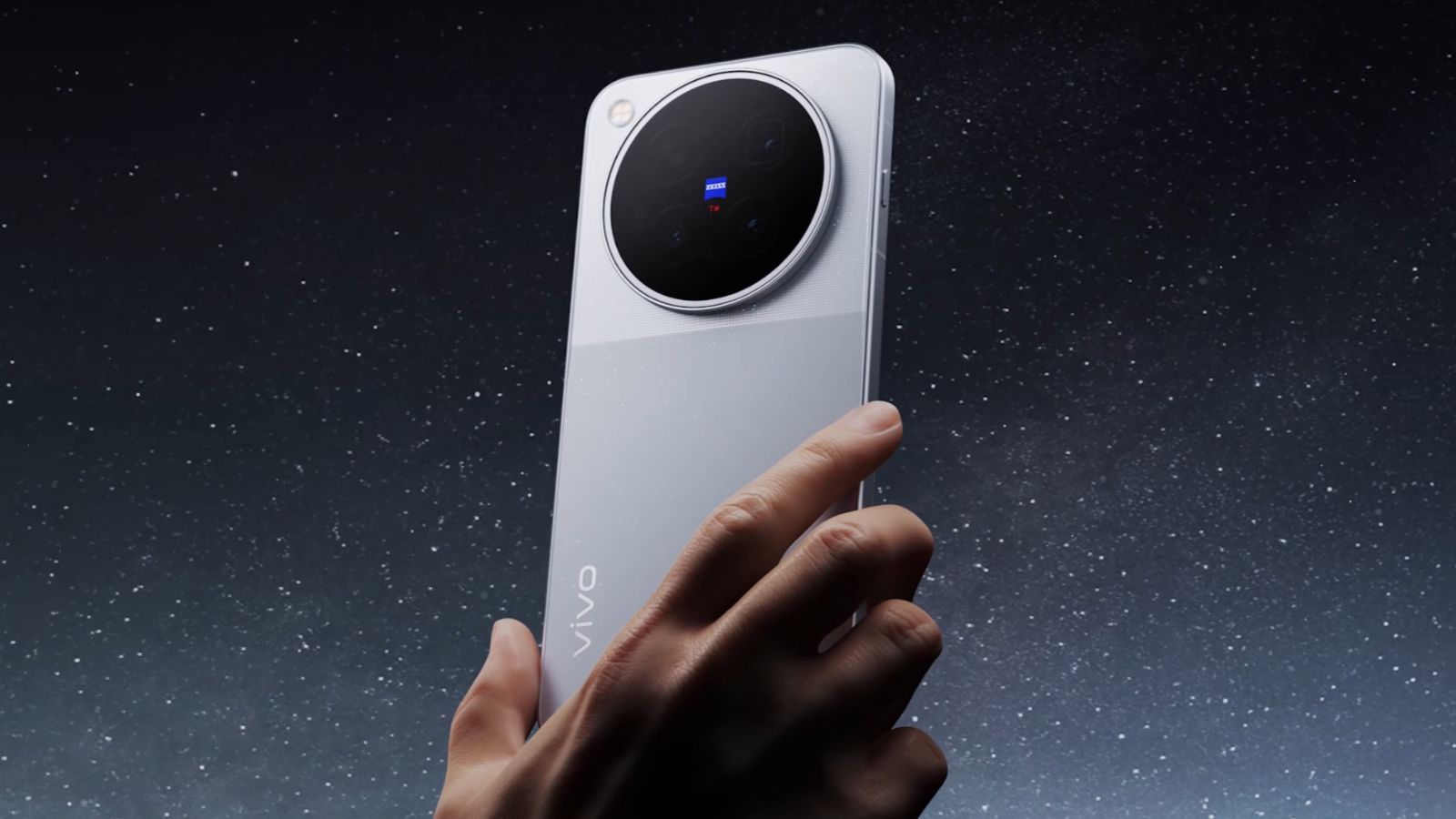 Vivo X500 Series Is Officially Coming to India Alongside the Watch GT 2
Vivo has officially teased the Vivo X500 series ahead of its India launch. The lineup is expected to include the standard Vivo X500, the X500 Pro and the X500 Pro Max. Vivo Watch GT 2 smartwatch also appears in the teaser and could launch alongside the phones.
By Siddhartha SamaddarNov 05, '26 Apple Is Making it Harder to Cancel App Store Subscriptions
Apple's new tool lets developers display custom retention messages when users try to cancel the subscription. The feature can be used to offer special discounts, images, and text directly within the native iOS cancellation flow. App creators can manage these prompts via App Store Connect or use a dedicated API for targeted messaging.
By Abubakar MohammedNov 05, '26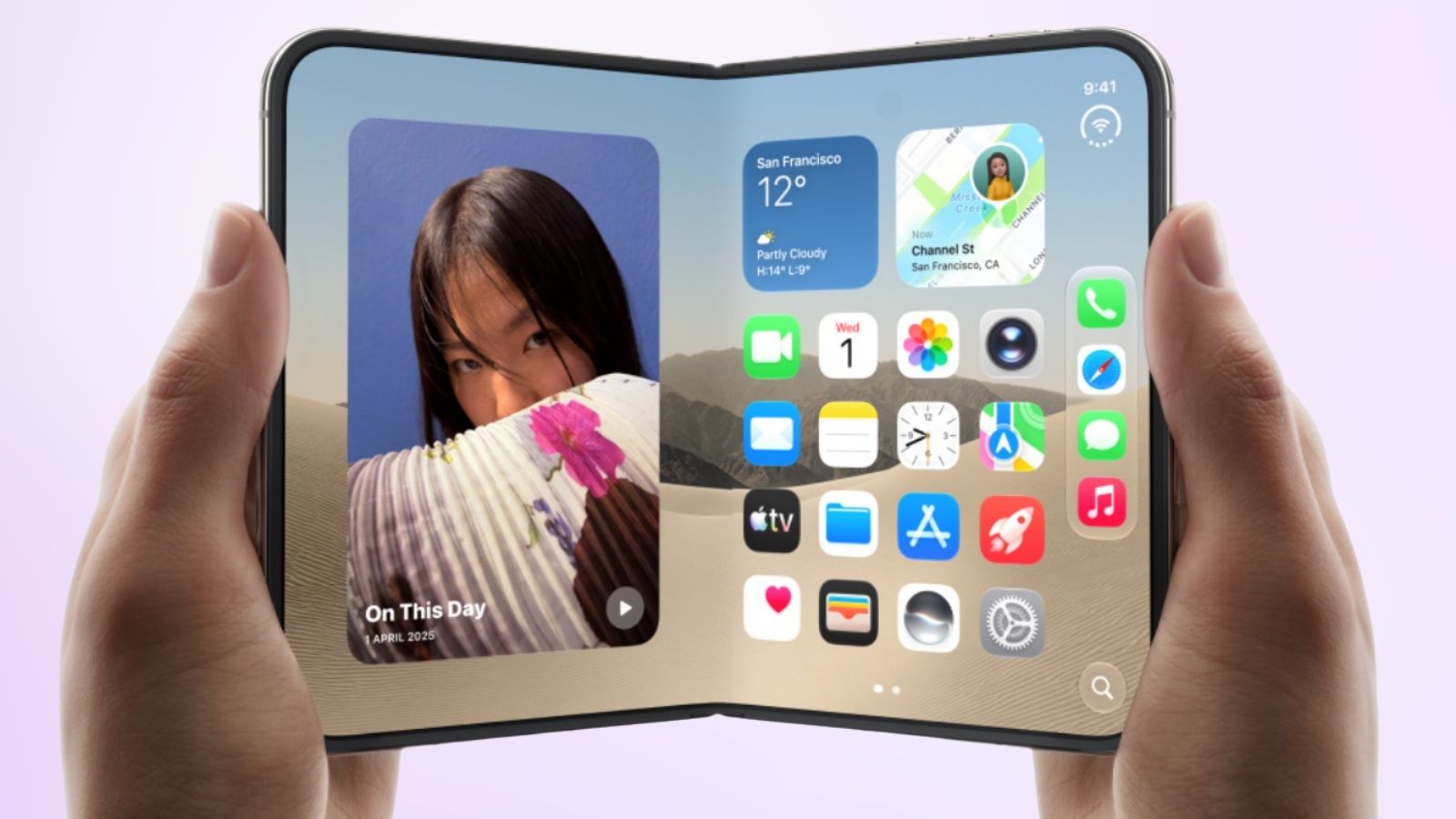 Apple Brings One-Handed Usability Feature to iPhone Duo with iOS 27.3
iOS 27.3 beta brings Apple's Reachability feature to the iPhone Duo for easier one-handed use. The feature shifts screen content horizontally, making elements along the display's edges easier to reach. Users can enable it through Settings -> Accessibility -> Reachability.
By Sagnik Das GuptaNov 04, '26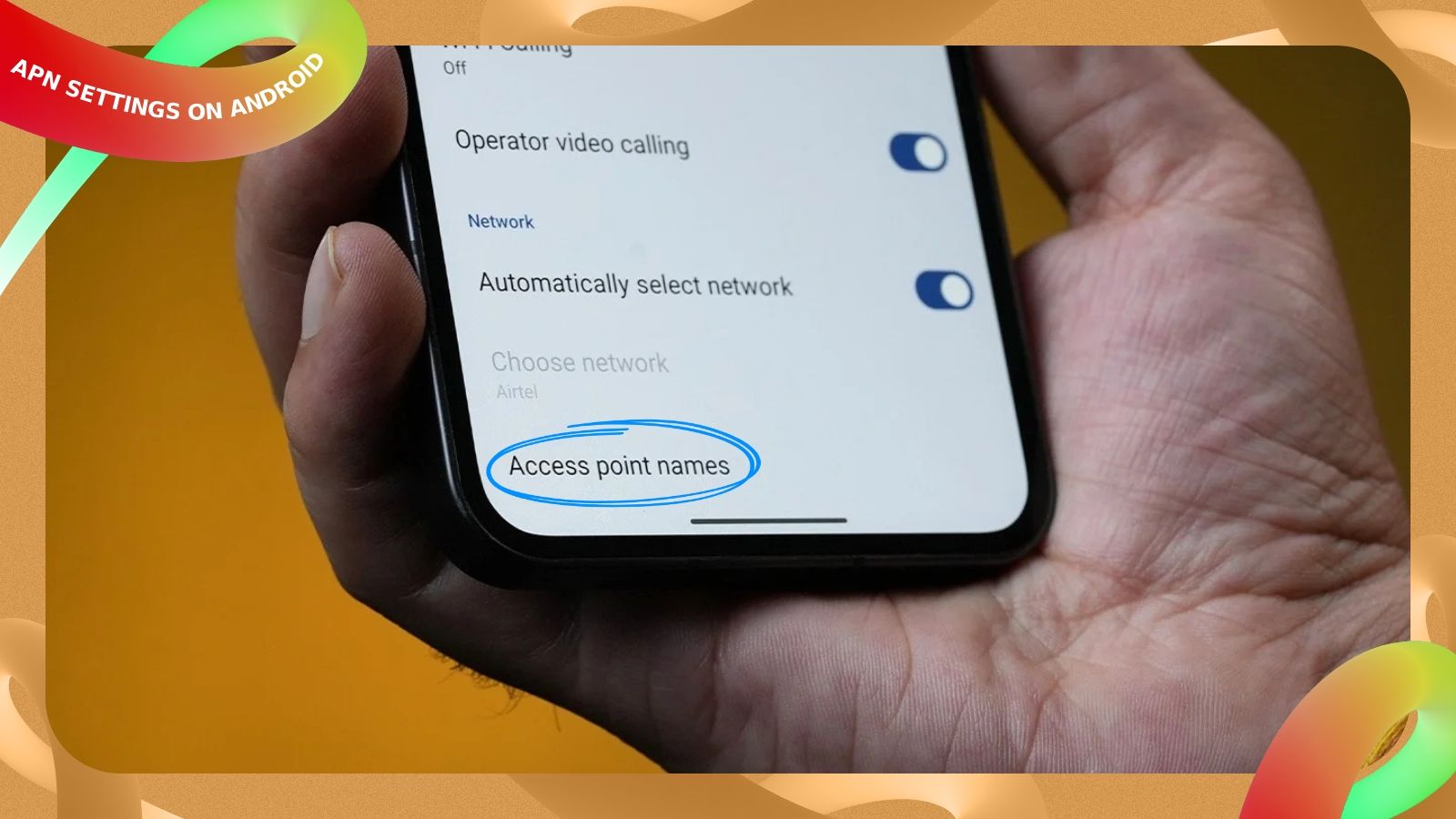 APN Settings on Android Phone: What Is It, How to Set Up and When to Change
Access Point Name (APN) is the information required by the network provider to allow internet access on Android phone. APN is set up automatically when you insert a SIM, but you'll have to manually enter the APN settings if you’re not getting internet. You can access and configure APN settings by heading over to Settings > Network and internet > SIMs > Access point names.
By Shashwat KhatriOct 26, '26
Samsung Galaxy A30s Key Highlights
| Processor | Exynos 7904 |
| Display | 6.4 inches |
| Battery | 4000mAh |
| Rear Camera | 25MP |
| Front Camera | 16MP |
| RAM/Storage | 4GB/64GB |
Explore Samsung Phones


Explore Mobile Phones


Disclaimer: The price & specs shown may be different from actual. Please confirm on the retailer site before purchasing.