




Earlier this year, at Google I/O 2026, Google introduced an AI-first Intelligent Search Box, calling it “the biggest Search change in over 25 years.” Since then, the company has been slowly updating how Search looks and works. Now, the Google app is finally getting a redesigned search bar on its home screen.
Google Adds a plus Button to Its Search Bar
According to Android Authority, the new search bar has a cleaner and sleeker look. It is slightly slimmer, with a white background, a thin border and a subtle shadow.
The biggest change is the addition of a new plus (+) button on the left side of the search bar. Users will be able to tap it to either attach images and files to Google Search, create images with Nano Banana or Google's AI image generator, or switch AI models in AI Mode.

For context, users were earlier required to tap the search bar first to see the plus button. Now it’s right there on the home screen and saves an extra step. Alongside the "+" button, Google has also renamed two shortcut buttons below the search bar.
The "Nano Banana" toggle has been renamed to "Create" and the "Search Live" button has been renamed to simply "Talk". This makes the new names much simpler and they make it easier to understand what each button does at a glance.
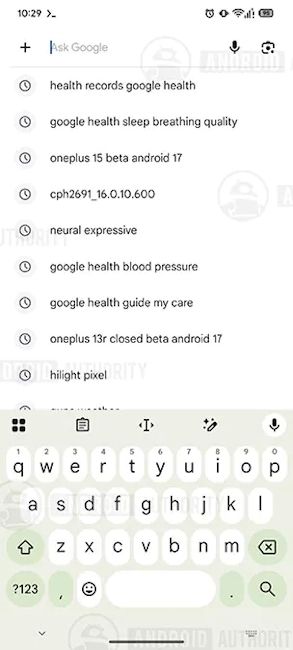
The new design appears in Google app version 17.65.17. The report says the redesign is showing up on several of its test devices, so it seems to be rolling out widely.
To check if you got it, update the Google app from the Play Store. However, do remember that Google often rolls out changes in stages. So, it might take a few days to reflect. So, stay tuned.
Related Articles


