





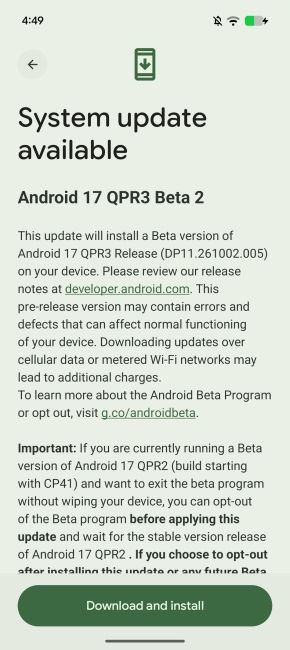
Last month, Google rolled out the Android 17 QPR2 Beta 6.1 update with support for the Pixel 11 series. Now, the company has pushed the Android 17 QPR3 Beta 2 build to eligible Pixel phones, bringing a new useful security feature, a new customisation carousel option and a long list of bug fixes.
Android 17 QPR3 Beta 2 Update: What's New?
The biggest addition in Android 17 QPR3 Beta 2 is the option to lock connectivity toggles in Quick Settings. Once turned on, anyone using your Pixel phone will have to unlock it before they can change the Wi-Fi, Bluetooth, Airplane mode, or mobile data tiles.
This is a handy anti-theft feature, as it stops thieves from simply switching on Airplane mode to prevent owners from tracking Pixel phones. Eligible devices will find this option under Settings > Display & touch > Lock screen.
Moving on, Google has also added a new Wallpaper & style carousel. It brings theme packs, custom icons, shape effects, animations and weather effects together in one place, making it easier to customise and personalise Pixel phones.
Related Articles

Android 17 QPR3 Beta 2 Fixes More Than 20 Bugs
Apart from the new features, the Android 17 QPR3 Beta 2 update has issued several bug fixes, as many as 20 system-level patches. Here are the key ones:
- Stability: Fixes random crashes and reboots, unexpected shutdowns during WhatsApp video calls, and the display turning black after ending a call.
- Battery: Fixes high idle battery drain caused by motion sensors staying active after using Face Unlock or the camera.
- Connectivity: Fixes Bluetooth pairing timeouts and the Internet tile showing the wrong text when mobile data is on.
- Display and UI: Fixes the system UI appearing too small, notifications overlapping on the lock screen and a misaligned Bluetooth subtitle in Quick Settings.
- Apps: Fixes screen recording freezing after rotation, the Terminal app failing to launch its Linux VM and the app drawer closing when switching keyboard language.
- Wearables: Stops a paired watch from ringing after you answer a call on your phone
Related Articles

How to Install the Android 17 QPR3 Beta 2 Update
If you have an Android 17 eligible Pixel phone, here’s how you can get the Android 17 QPR3 Beta 2 update:
- Visit the Android Beta Program website (google.com/android/beta) and sign in with your Google account.
- Find your Pixel phone from the list and tap Opt in.
- On your Pixel, go to Settings > System > Software updates > System update.
- Download and install the Android 17 QPR3 Beta 2 update.
You can also flash the system image manually from Google’s developer website. Keep in mind that this is a beta update, so it may still have bugs. Back up your data before installing it. Google plans to release the stable Android 17 QPR3 update in March 2027.
From the latest tech news to expert reviews, Beebom Gadgets brings you tech that matters every day. Want help with your next phone purchase? Explore the latest phones and see which upcoming phones you should wait for.
Related Articles


