


Adhering to its promised rollout timeline, Nothing OS 5.0 Open Beta is now available for the Nothing Phone 4a Pro. Based on Android 17, the update brings a host of visual changes combined with more personalisation and features to Nothing's upper mid-range smartphone.
Nothing OS 5.0 Open Beta for Nothing Phone 4a Pro Released
Nothing has added the Nothing Phone 4a Pro to the Nothing OS 5.0 megathread on its Community platform. The brand had set an early September 2026 rollout timeline for the device and has achieved it quite comfortably. This makes the Phone 4a Pro the second Nothing smartphone to get the Open Beta, the first being the Nothing Phone 3.
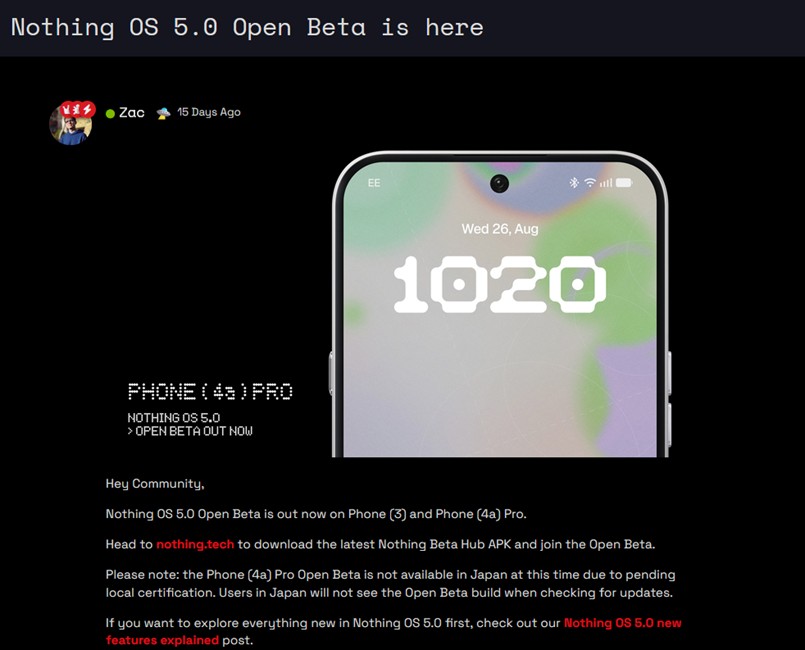
The brand notes that the Open Beta is not available for users in Japan due to pending local certification. Therefore, Japanese users will not get the build when checking for it. As for the update itself, it brings pretty much everything that Nothing rolled out to the Phone 3.
For those unaware, Nothing OS 5.0 features include a cleaner status bar with new icons, new clock faces, and home screen batch edits. In terms of customisations, there's a new Geist font alongside the ability to customise the camera app, reorder folders in the gallery and a split notification and quick settings drawer.
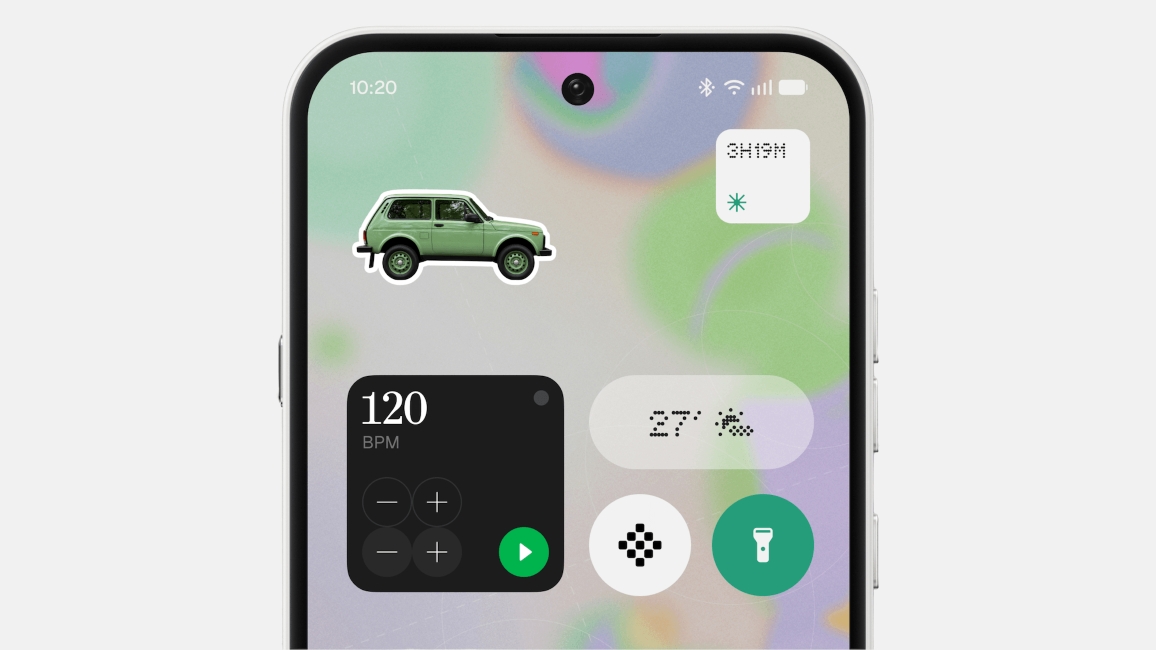
The release also brings a new Lucent theme with depth and blur effects, alongside new widgets like Away Time, Glyph Timer and Collector. Additionally, there's a dedicated Glyph app and the overall animations have also been improved.
Lastly, the release also contains a host of AI features such as Essential Voice, Smart Collections and Model Context Protocol support.
Related Articles

How to Install Nothing OS 5.0 Open Beta on Phone 4a Pro?
Nothing Phone 4a Pro users who want to try out Nothing OS 5.0 Open Beta will need to download the Nothing Beta Hub v2.0 app. After that, they need to head to Settings -> System -> Nothing Beta Hub and tap on Check version. Users can then download and install the update to boot into Nothing OS 5.0 on their Phone 4a Pro.
That said, Nothing warns against installing Beta updates, as they may contain bugs that could hinder your experience. Rolling back to Nothing OS 4.1 will result in a data wipe, so proceed with caution. Or users can wait for the general release, which is expected in early November 2026.
Related Articles


