


Last month, the Nothing Phone (4a) series launched with the Nothing OS 4.1 update right out of the box, bringing more customisations to the lock screen, new widgets, an AI eraser and more features. Now, the update is officially expanding to the flagship Nothing Phone (3), introducing Essential Voice, a new AI utility tool for transcription and live translation, alongside a community-designed lock screen clock and deeper Glyph Interface integration.
Nothing OS 4.1 Changelog
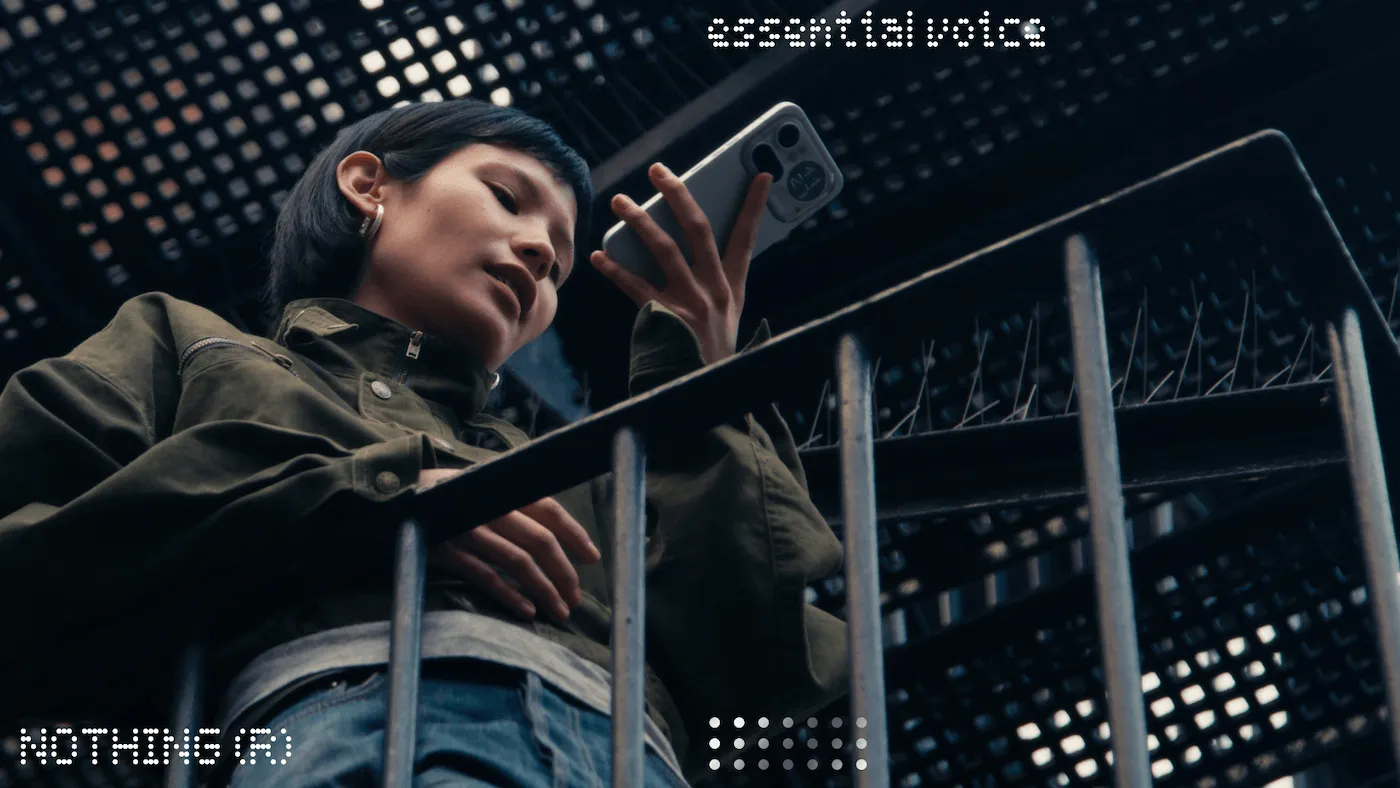
The standout feature in this update is the introduction of Essential Voice, an AI-powered voice-to-text tool designed to streamline how users interact with audio and spoken text. At its core, the tool uses on-device intelligence to automatically clean up voice note transcriptions by removing filler words, repetitions and stammers, ensuring the final text is polished and professional. Beyond simple cleanup, the feature also comes with Live Translation capability with context awareness.
Another major highlight of Nothing OS 4.1 is the inclusion of a new lock screen clock face. Originally designed by community member @jadzok for the Nothing Phone (3a) Community Edition, the clock features a custom typeface to make checking the time more "intentional". This design option is now being backported to older phones starting from the Nothing Phone (2).

Additionally, the Nothing OS 4.1 update also enhances Live Update integration. Real-time data from apps like Google Maps can now be tracked across the lock screen, notification panel and the Glyph Interface simultaneously. Additionally, the Essential Notifications UI has been streamlined with clearer descriptions and a new recommendation system that suggests adding apps to the "Essential" list based on frequent interactions.

The latest Nothing OS update also includes the April 2026 security patch and brings key fixes for audio call quality when paired with Nothing earbuds. It also brings enhanced video call stability for third-party apps.
Related Articles

Nothing OS 4.1 Roadmap and Broader Availability
While the update is live for the Nothing Phone (3) now, Nothing has confirmed a staggered rollout for the rest of its portfolio:
- Later this month: Phone (3a) series, Phone (2a) series, Phone (2), CMF Phone 1 and CMF Phone 2 Pro
- Early May 2026: Nothing Phone (3a) Lite
However, do note that some features like the Essential Voice could stay exclusive to the Nothing Phone (4a) lineup and Phone (3).
Interested users can check for the update on their Nothing and CMF phones by heading over to Settings -> System -> System Updates -> Check for update.
Related Articles


