


Apple's iOS 27 release date has arrived, with the update rolling out to all eligible iPhones today, September 14, 2026. This is Apple's biggest software release of the year, led by a completely revamped, AI-powered Siri, alongside a long list of smaller refinements across the system. Here's everything you need to know about the iOS 27 release date and time in India, how to grab the update and whether your iPhone makes the cut.
iOS 27 Release Date and Time in India
Apple confirmed the iOS 27 September 14 release date on stage at its "Surprise and Shine" event, where it also unveiled the iPhone 18 Pro, iPhone 18 Pro Max, iPhone Duo, AirPods 5 and Apple Watch Series 12. iOS 27 has already been through months of developer and public beta testing since June, and today marks the stable, public rollout for everyone.
Based on Apple's usual pattern, the update should start rolling out at around 10:00 AM Pacific Time, which works out to roughly 10:30 PM IST tonight for users in India. Since Apple's servers get flooded with traffic the moment an update goes live, don't be surprised if it takes a little longer than expected to actually show up on your Apple iPhones, or if downloads feel slow for the first day or two.
Related Articles

How to Download iOS 27 on Your iPhone
Once the update is live for your region, updating your iPhone to iOS 27 is straightforward:
- Make sure your iPhone is charged, or better yet, plugged in
- Connect to a stable Wi-Fi network
- Go to Settings -> General -> Software Update
- Wait a few moments for your iPhone to check in with Apple's servers
- Once iOS 27 shows up, tap Download and Install
If you're not in a rush, you can also just let the update install automatically the next time you plug your iPhone into your computer or leave it charging overnight. Given the heavy server load on launch day, waiting a day or two before updating isn't a bad idea if you'd rather avoid a sluggish download.
Related Articles

iOS 27 Eligible iPhones
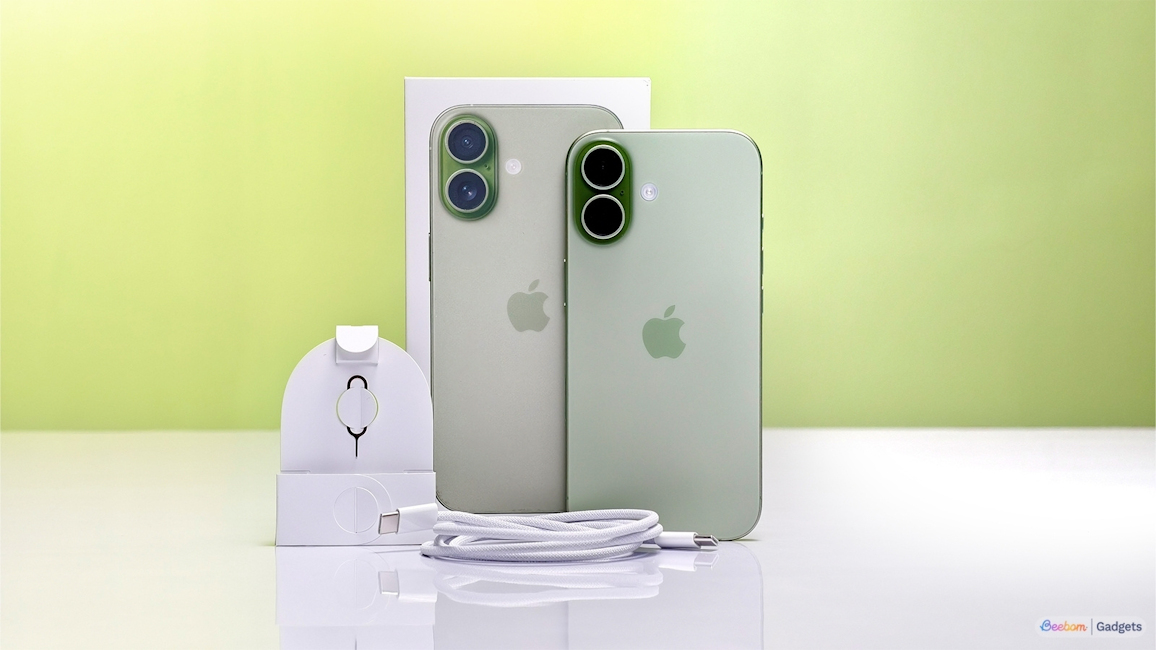
The good news is that Apple hasn't dropped any iPhones from the iOS update this year. iOS 27 supports the exact same lineup as iOS 26, so if your iPhone is currently running iOS 26, it will get iOS 27 too. We've covered this in more detail in our iOS 27 eligible devices list, but you should get the update if you're on at least an iPhone 11 series device or the iPhone SE (2nd generation).
The newly launched iPhone 18 Pro, iPhone 18 Pro Max, and the foldable iPhone Duo will ship with iOS 27 out of the box, making them the first Apple iPhones to run the update natively.
It's also worth noting that not every iPhone on this list gets the full iOS 27 experience. Several of the headline AI features are gated behind Apple Intelligence support, which is limited to the iPhone 15 Pro and newer iPhones. You can check out our dedicated Apple Intelligence eligible devices list for a better idea.
Related Articles

What's New in iOS 27
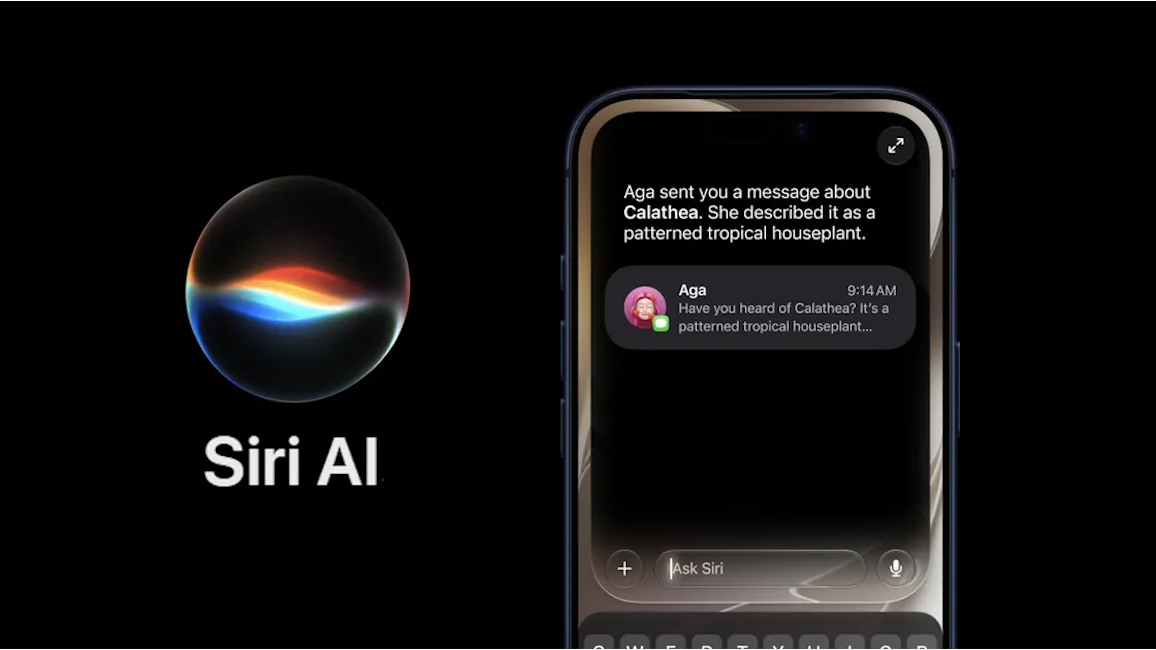
iOS 27 puts Siri at the centre of the iPhone experience with a long-promised AI overhaul, alongside a fresh "iPhone Handoff" feature that lets you use the same phone number across two iPhones. There are also new child safety tools and a wave of Apple Intelligence features baked into apps throughout the system.
Some of the best iOS 27 features include the new Siri AIs, a dedicated Siri app, Describe a Shortcut, AI-generated wallpapers in Image Playground, custom AirPods EQ and Safari's automatic tab grouping.
If you've been on the public beta or the iOS 27 Release Candidate, updating today is a no-brainer since you're just moving to the stable build. iOS 27 is generally considered a safer bet than jumping on a late-stage beta, though it's still worth backing up your iPhone before installing any major iOS update, just in case something doesn't go smoothly on day one.
Related Articles


