





Alongside the new iPhone 18 series and the iPhone Duo announcement, Apple has confirmed that the stable iOS 27 update will arrive next week. Ahead of that, the Cupertino brand has released the iOS 27 Release Candidate (RC) update, bringing a fresh batch of refinements for users.
iOS 27 Release Candidate Update: What's New?
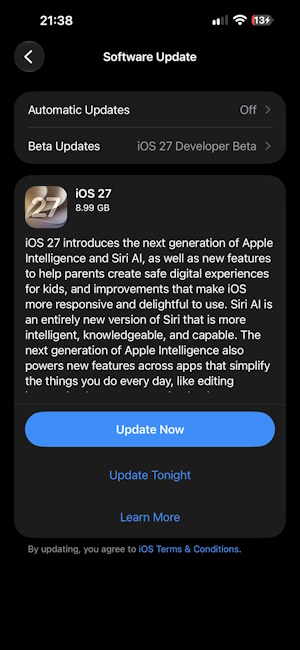
The iOS 27 Release Candidate arrives just one week after the iOS 27 Beta 8 update was shipped. However, the latest build carries a surprisingly heavy file size of 8.99 GB.
Despite the large download, Apple has not shipped any new feature. This is because the build largely focuses on ironing out bugs and glitches, before the stable iOS 27 update drops on September 14, 2026.
The new update keeps the updated iOS iconography intact, which was first introduced with the iOS 27 Developer Beta 5 update. Apple has already added the new Liquid Glass slider in iOS 27 with the RC release, letting users adjust the level of intensity for transparency effects.
One of the biggest updates in iOS 27 is Siri AI, and the RC update brings Siri AI in beta. The RC update also keeps the updated Siri voice selection menu interface look and the ability to invoke Siri AI by swiping down from the Dynamic Island.
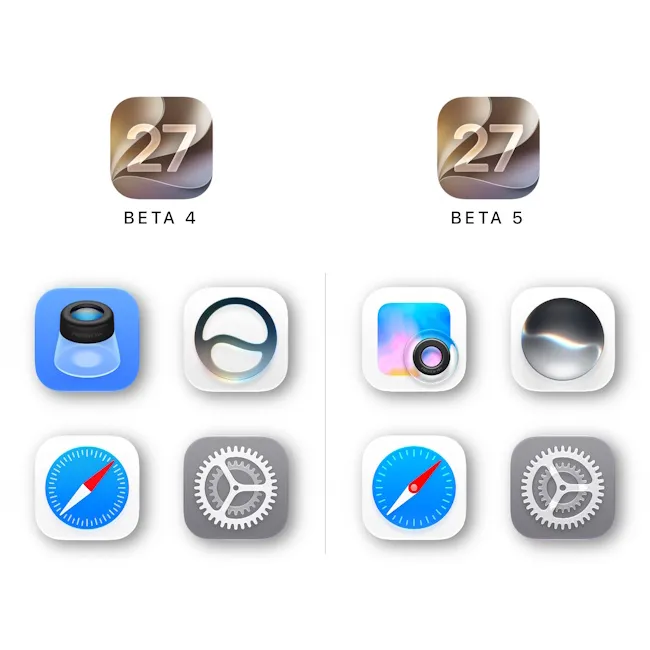
Image Credit: X/ @theapplehub
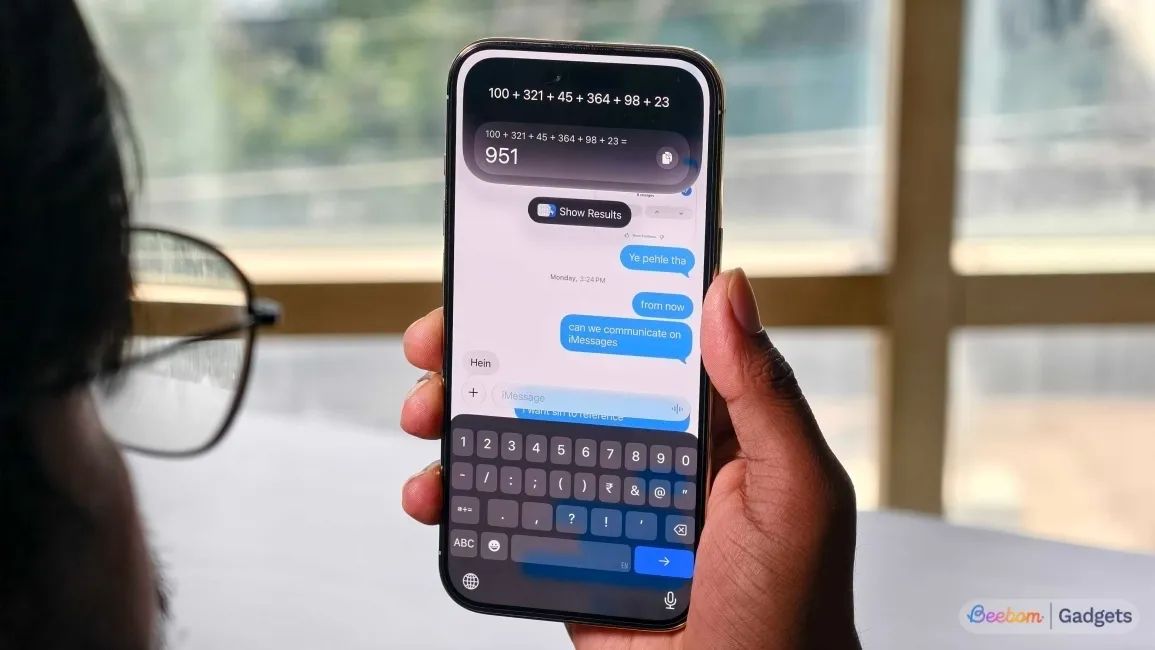
Image Credit: Beebom Gadgets
The iOS 27 Release Candidate update also adds new Apple Intelligence features like "Zoom Photos to Fill" and tools like Extend, Clean Up and Spatial Reframe inside the Photos app.
Other than that, the new update also brings features like a custom equaliser for AirPods, saving any video frame as a photo and extra-large widgets. The RC release also fixes several underlying bugs and enhances the system UI and performance.
That said, the iOS 27 Release Candidate update can be downloaded by heading over to Settings -> General -> Software Update -> Beta Updates on eligible iPhones. Check out our detailed guide on how to install the iOS 27 public beta, which walks you through installing the iOS 27 RC update.
For clarity, those who are on at least an iPhone 11 can get the update, although the more advanced AI features will be limited to Apple Intelligence-eligible devices only. The iPhone 18 Pro, iPhone 18 Pro Max and the iPhone Duo support all the Siri AI and Apple Intelligence features out of the box.
Related Articles


