





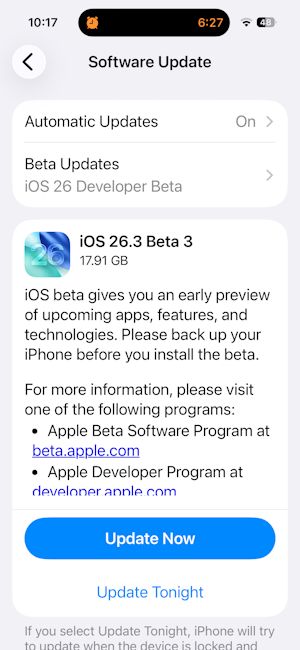
After rolling out the iOS 26.3 Public Beta 1 last month, Apple has now pushed out iOS 26.3 Beta 3 for developers. Rather than introducing headline features, the latest beta focuses on refining what's already been added in earlier previews.
Here’s what iOS 26.3 Beta 3 brings
The latest developer beta is available just 13 days after the iOS 26.3 public beta 2 was released for iOS 26-supported devices. As for what it brings, the latest build carries forward all the new features introduced with the previous developer and public previews.
This includes the new Transfer to Android option in the Settings app, added as a joint collaboration between Apple and Google to help users easily switch between Android and iPhone.
The iOS 26.3 Beta 3 brings the same granular slider to adjust the lock screen clock opacity as part of the Liquid Glass update, which we saw with previous builds. Also, just like the iOS 23.3 developer beta 2 build, the combined "Weather&Astronomy" section has now been segregated between Weather and Astronomy.
Apart from that, the ‘SupportsE2EE’ string, which indicates end-to-end encrypted RCS chats in the Messages app, doesn't seem to have been enabled with the latest build as well. It was first spotted with the public beta 2 update.
That said, eligible users can update to the latest public beta by going to Settings > General > Software Update > Update Now. The update is currently going live from the iPhone 11 to the latest iPhone 17 series.
Related Articles


