





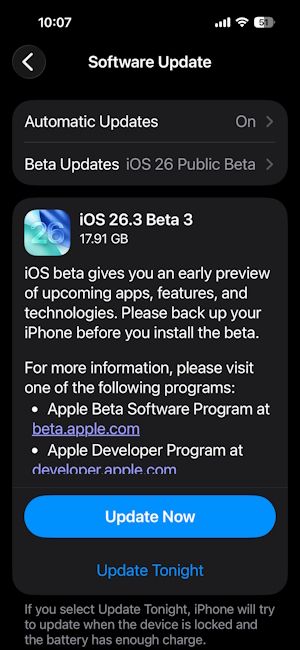
It has been less than 24 hours since the iOS 26.3 Developer Beta 3 update dropped. Now, Apple has started shipping the iOS 26.3 Public Beta 3 update to all eligible iPhones. This is the third public beta build and it brings a new location sharing setting.
iOS 26.3 Public Beta 3 brings stricter location sharing to iPhones
The latest public beta is available just two weeks after the release of iOS 26.3 public beta 2. In this update, the most significant addition to iOS 26-supported devices is the 'Limit precise location' setting.
Using this new feature, iPhone owners can now control the level of location data available to cellular networks. With this setting turned on, carriers and applications using location data will not be able to pinpoint the exact user data. Only location sharing with friends, family and the Find My network will be an exclusion to the Limit precise location setting.
This is an important addition and a strong reaffirmation of the enhanced privacy and security-focused nature of Apple iPhones. Aside from this, there is also a small change in the iPhone Share Sheet.
The previously available 'More' button at the bottom of the share sheet has now been replaced with a 'View More' toggle with a downward-facing arrow. Once tapped on, it opens the expanded sharing menu.
That said, eligible users can update to the latest public beta by going to Settings > General > Software Update > Update Now. The update is currently going live from the iPhone 11 to the latest iPhone 17 series.
Related Articles


